One platform, seen from every job on the floor.
Four screens wired to the same backend, plus the real documentation of how each piece fits together. Explore it.
The app that puts baggage in your pocket
The suite’s flagship: filters, time rulers, alarms, voice and offline mode, with 15 shift questions answered.
→ 🖥️See the same flight on all 4 screens
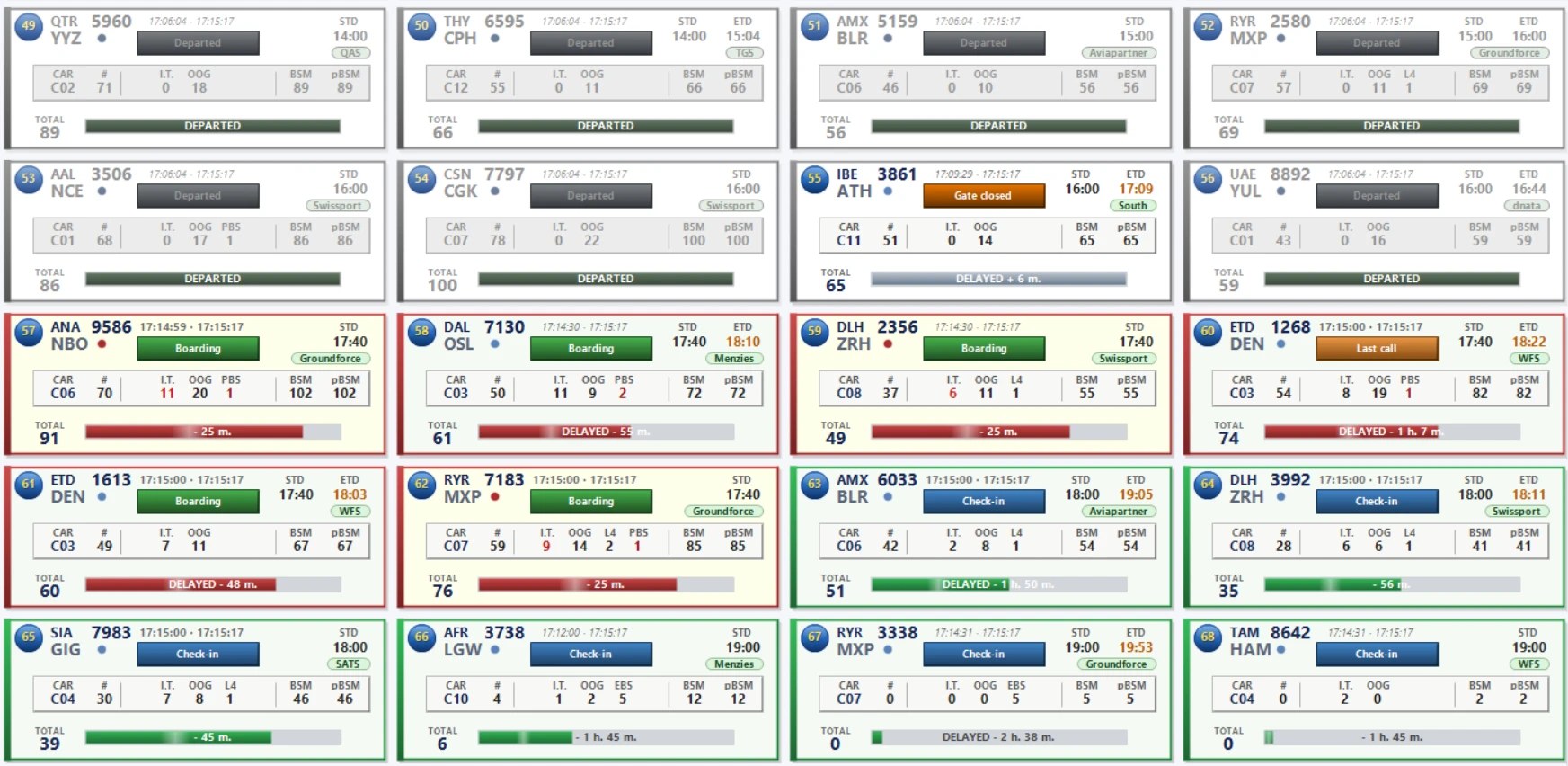
Control room, desktop, mobile and Android — the same data, in real time, on every one.
→ 🧭Who uses it in your airport?
Six real roles, from the ramp to the control room, and what each one gains.
→ 🧩One real flight, minute by minute
From boarding opening to a critical alarm resolved with time to spare — the system in action.
→ 📶Alarms that get through even when the network doesn't
Two independent paths make sure the critical alert lands, even without wifi or data.
→ 🔌What your IT team actually needs
Zero changes to your DCS/BHS. Read-only access, and four clear deployment phases.
→ 📖Baggage jargon, decoded
BHS, BSM, pBSM, LPN... every acronym you need to know, in a searchable glossary.
→ 🎫The parallel journey: passenger and baggage
Two paths that start together at check-in and reconcile right before departure.
→ 🧭No two airports speak the same language
How the installation wizard translates your system's real-world codes — and why the "Departed" state is the one it won't let you get wrong.
→